The application's own screens, from a test story. Every image is a render the game itself checks against on every build, so what you see here is what the screen does. Vivarium is in development, and the screens will change as it is built; this page is refreshed when they do.
At the table
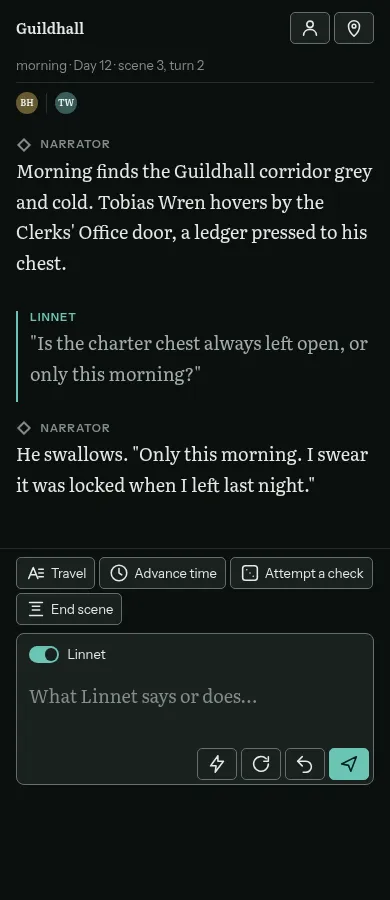
The Story room, where you play.
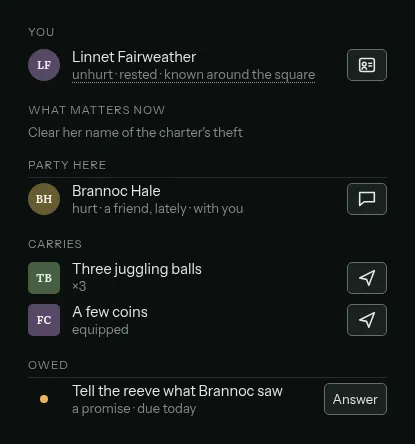
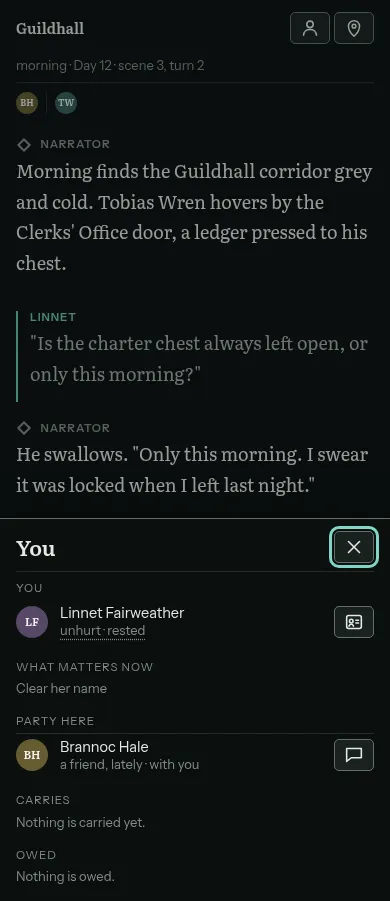
YouYour character as the application has them: what matters now, who is with you, what you carry, and what you are owed.
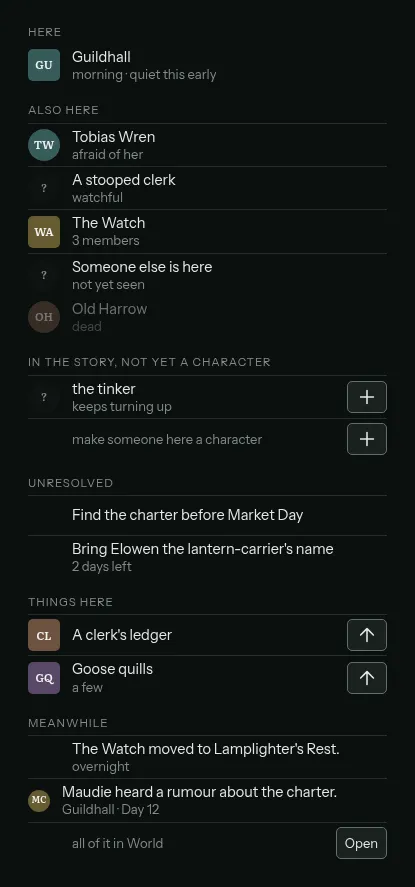
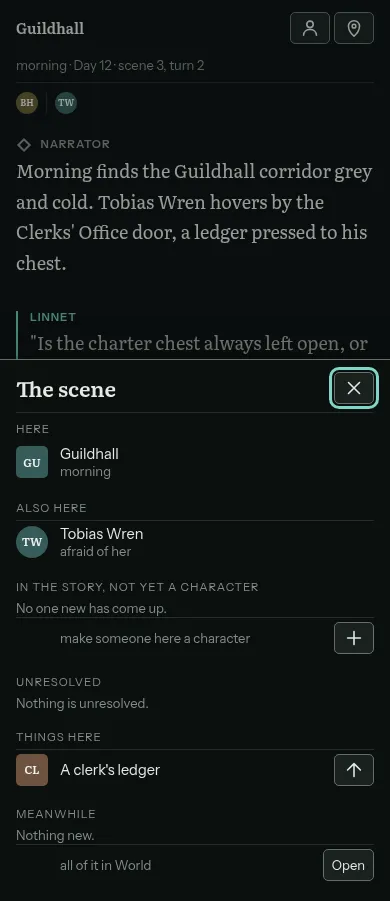
The sceneWho is here, who is not yet a character, what is unresolved, what is lying about, and what happened meanwhile. Every line comes from a record, not from the prose.
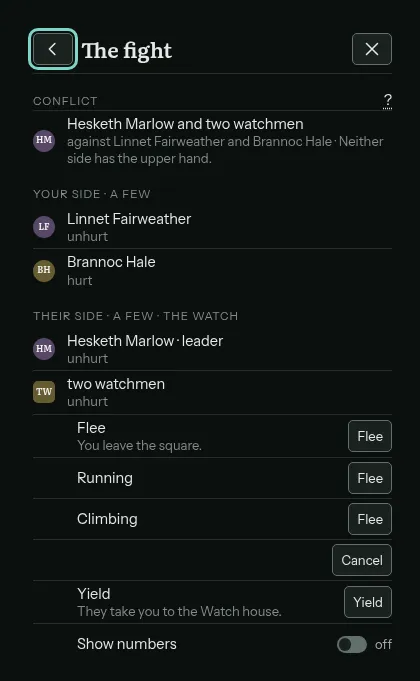
A fightEach side, who has the upper hand, and your ways out. You can always yield or flee, and the cost is known before you choose. Numbers stay hidden unless you ask for them.
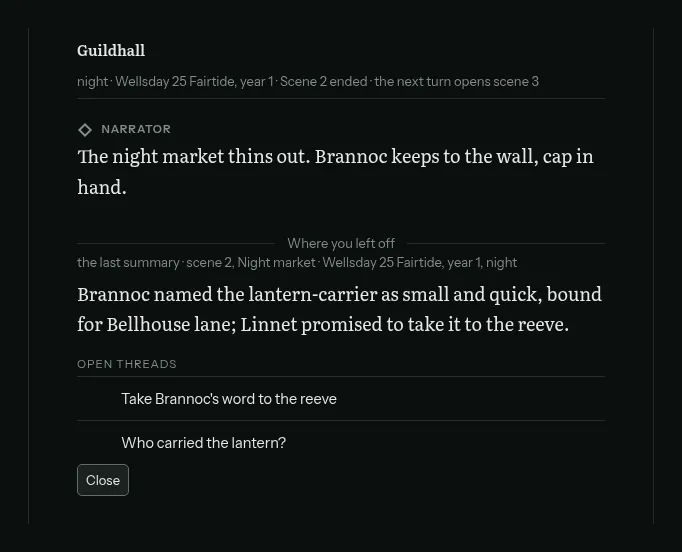
Where you left offCome back to a story and the screen opens on the last scene's summary and the threads still open.
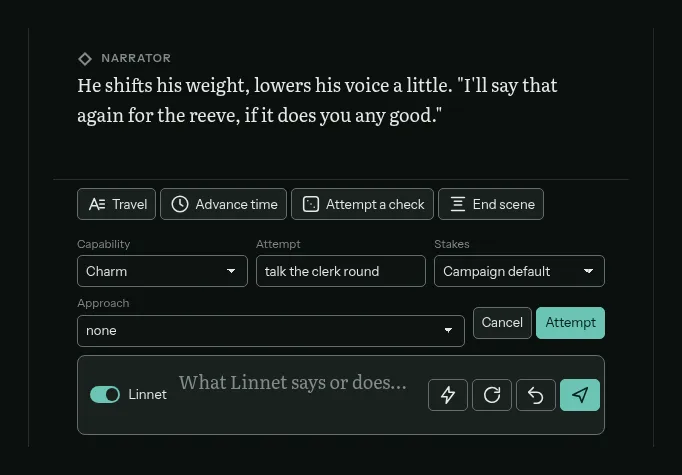
Attempt a checkName the skill, the approach and what you intend. The odds are shown in words before you commit, and the application rolls the dice.
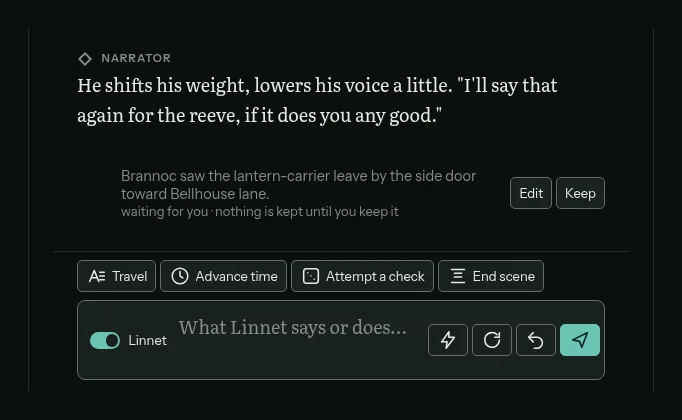
Remember thisOne tap keeps a fact from a narrator message. You read it, edit it if it is wrong, and only then is it kept.
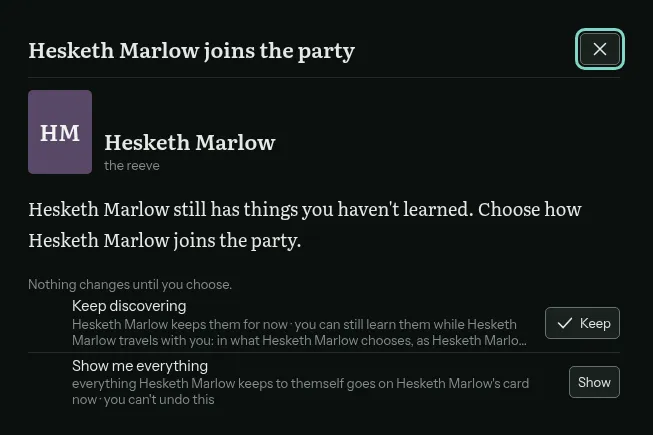
Keeping someoneWhen a character the narrator invented joins the party, you choose: see everything about them now, or keep discovering them in play.
The world and its people
The rooms one click from the story.
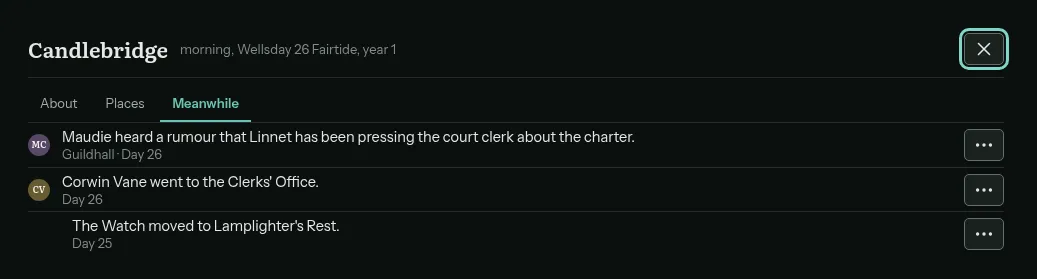
MeanwhileWhat happened while you moved time. A rumour is marked as something a character heard, never as something that is true.
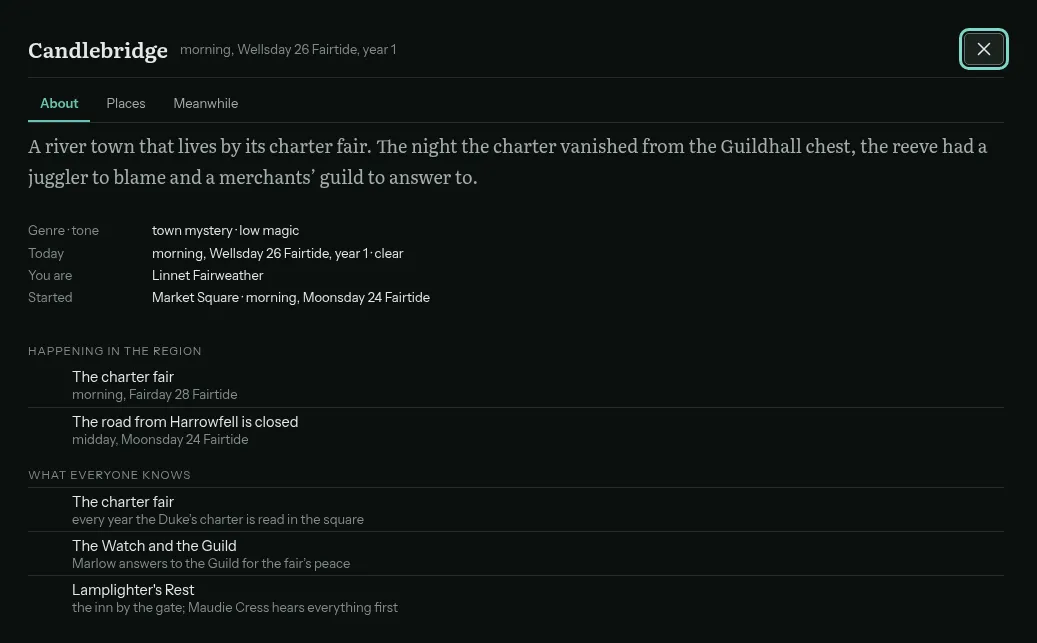
The world as your character knows itOnly what your character could know: the common lore, what is happening in the region, and what everyone there knows.
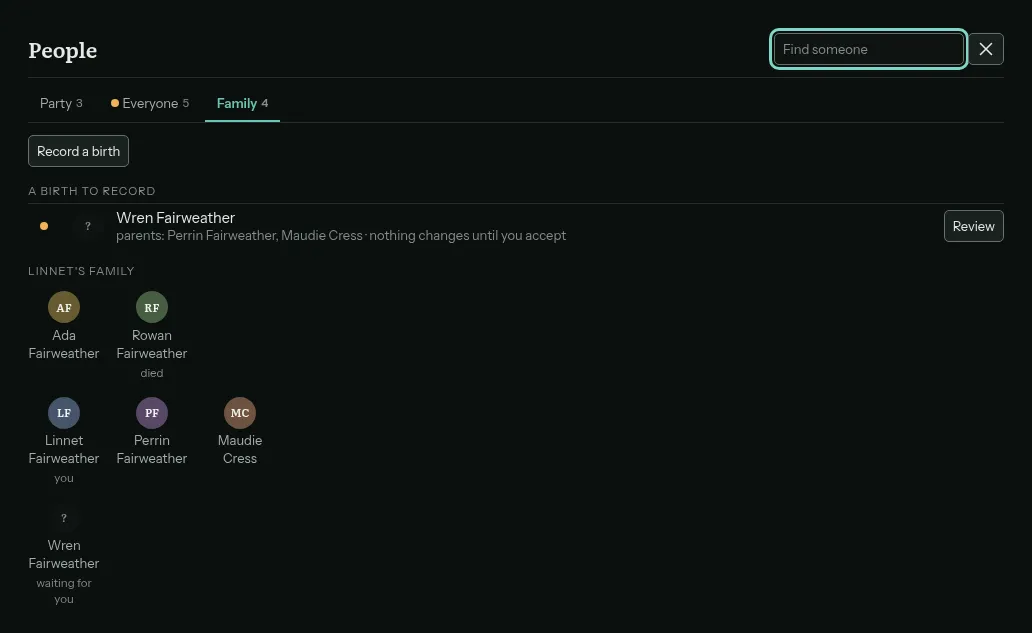
FamilyA family tree the application keeps, a birth waiting to be recorded, and a child who will grow up.
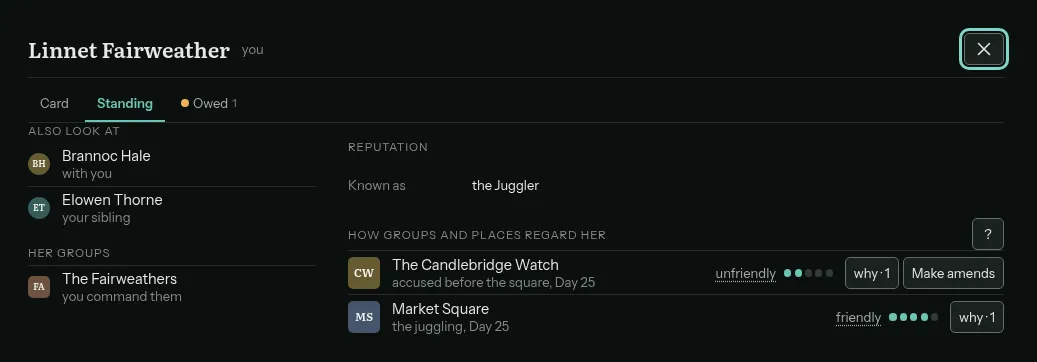
StandingHow each group and place sees you, with a why beside it. If you have earned a name for yourself, it is here too.
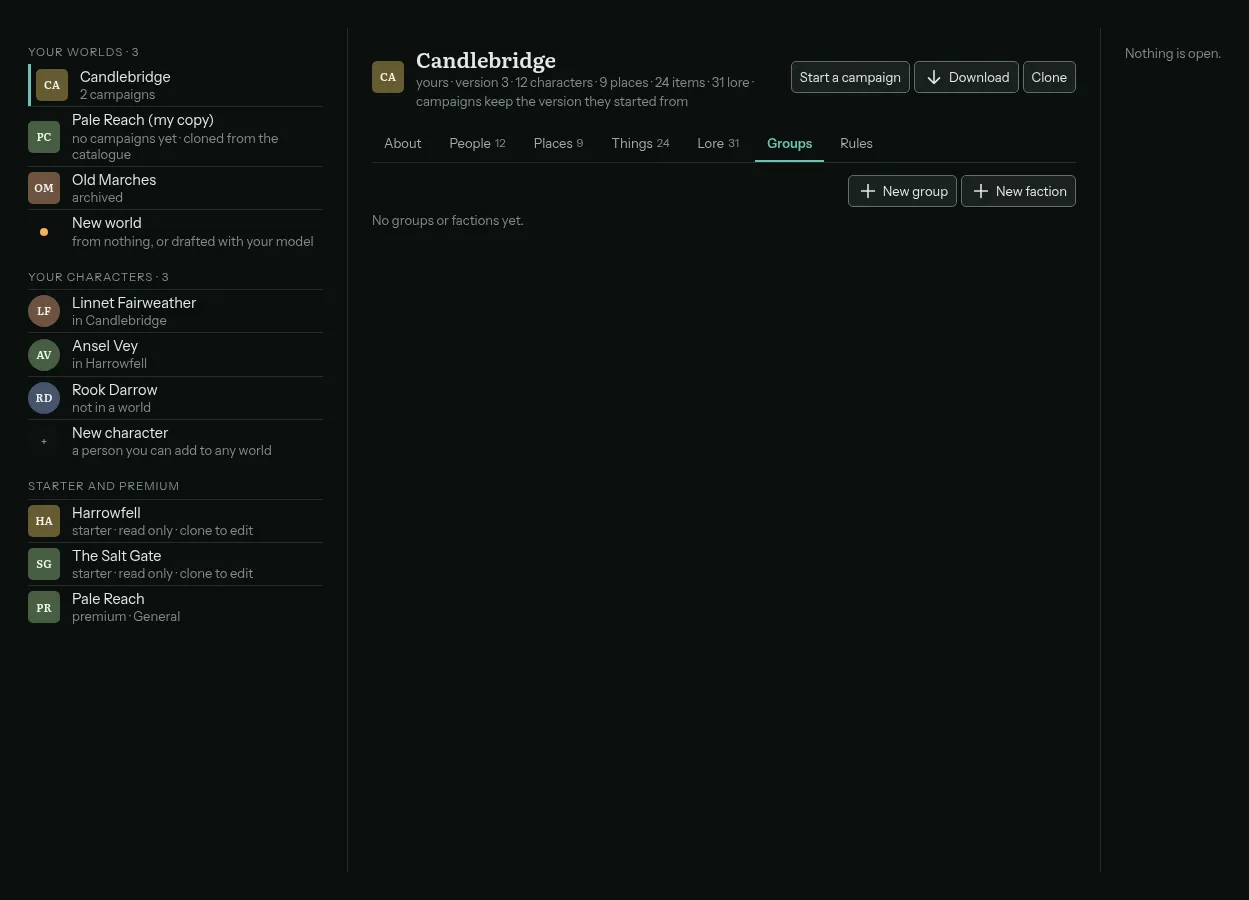
The libraryYour worlds, your characters, and the catalogue's starter and premium worlds. A world you wrote downloads as a file.
On a phone
The same story in a narrow window.
The story keeps the whole width. The panels become sheets you pull up: the scene, and your own character.
A note on the look
Every image here is the dark theme. Vivarium also has a light theme, and the choice is yours in the app, along with the text size, the story font and how compact the screen is. Thefeatures page says what each screen is for, and theroadmap shows the two screen-quality phases that gave them this shape.